WordPress Websites Get Hacked Faster

Chris Martin
Founder, Digital Rebel Marketing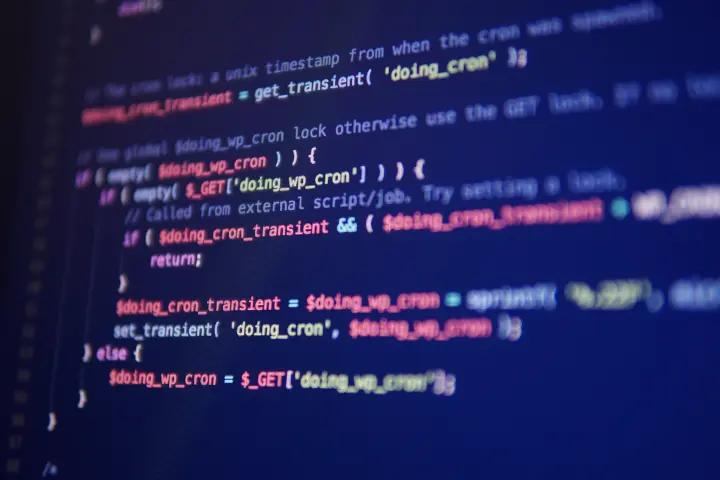
If you own a business website, here’s a question most people can’t answer:
What platform is your website actually running on?
A surprising number of business owners have no idea.
They hired a developer or agency years ago, the site launched, and that was the last time anyone thought about the technology behind it.
But a recent security report revealed something important:
WordPress websites are now getting hacked faster than ever. In many cases, attackers begin targeting vulnerabilities within hours of them becoming public. That doesn’t mean every WordPress site is unsafe. But it does mean something many businesses overlook:
Your website isn’t “set it and forget it” infrastructure anymore.
Why WordPress Sites Get Targeted

WordPress powers a huge portion of the internet. Because of that, it’s also a huge target. Most WordPress websites rely on multiple add-ons called plugins to handle things like:
- forms
- SEO tools
- analytics
- page design
- memberships
- integrations
Every plugin adds another piece of software that must be updated and monitored.
If those updates aren’t handled quickly, hackers often take advantage of the gap. Think of it like leaving a window unlocked in your building.
You might never have a problem. But if someone notices it, they’ll try the handle.
The Bigger Problem: Most Businesses Don’t Know Who’s Maintaining Their Site

Many companies assume their website is being maintained because:
- they hired someone to build it
- they pay for hosting
- the site still loads
But maintenance and hosting are not the same thing.
If no one is actively monitoring updates, vulnerabilities, and performance, your website may be quietly accumulating risk.
And most business owners never realize it until something breaks.
Or worse… until Google flags the site as compromised.
How Do I Know If My Website Is WordPress?
Here are a few quick clues your site might be running WordPress:
1. Your login page ends with /wp-admin
Try visiting:
yourdomain.com/wp-admin
If a login screen appears, your site is almost certainly WordPress.
2. Your website uses many plugins or add-ons
If your developer mentions installing plugins for things like SEO, forms, or page builders, that’s a common WordPress setup.
3. Your site requires frequent updates
If you regularly see notifications about updating plugins or WordPress versions, that’s another strong indicator.
Still unsure?
That’s completely normal.
Most business owners never interact with the backend of their website.
A Simple 3-Step Website Check You Can Do in 60 Seconds

Step 1: Ask your developer or agency what platform your site runs on.
If the answer is vague or unclear, that’s your first signal to dig deeper.
Step 2: Check when your site was last updated.
If it hasn’t been updated in years, it could be carrying outdated software.
Step 3: Google your business name and look at your website listing.
If Google ever flags a site for malware or security issues, it can impact search visibility and trust.
These steps will not give you a full security audit.
But they can help you understand whether your website deserves a closer look.
Your Website is More Than a Digital Brochure
Your site is the foundation of your visibility, your lead generation, and your credibility online.
If you’re not sure what platform your website runs on, or whether it’s being properly maintained, let’s take a look.